Star Citizen OBS Streamer Pack
Ready-to-use OBS scene collection for Star Citizen with gameplay, webcam, chat, alerts, Starting Soon, BRB and Stream End. Includes a neutral CLEAN version and a BalduursGATE version with Glass Pane and ship comms.
- Version 1.0
- Released 16 Sep 2026
- OBS Studio 32.2.2+ · Windows
No plugins required: the pack only uses built-in OBS sources. No account, no login – you just insert your own browser source URLs.
At a glance
- Version
- 1.0
- Released
- 16 Sep 2026
- OBS Studio
- 32.2.2 or newer
- System
- Windows 10/11
- Canvas
- 2560 × 1440 @ 60 fps
- Output profiles
- 2560 × 1440 @ 60 · 1920 × 1080 @ 60
- Scene collections
- CLEAN (neutral) · BALDUURSGATE
- Languages
- English, German
- Plugins
- none
Preview
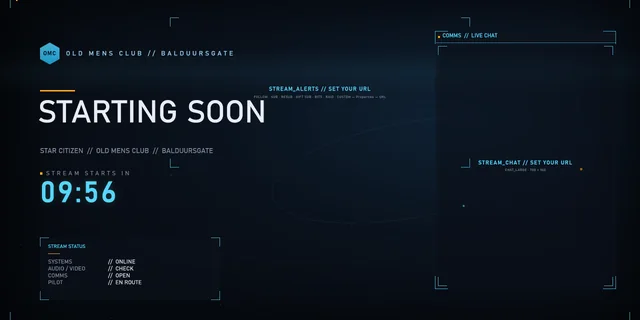
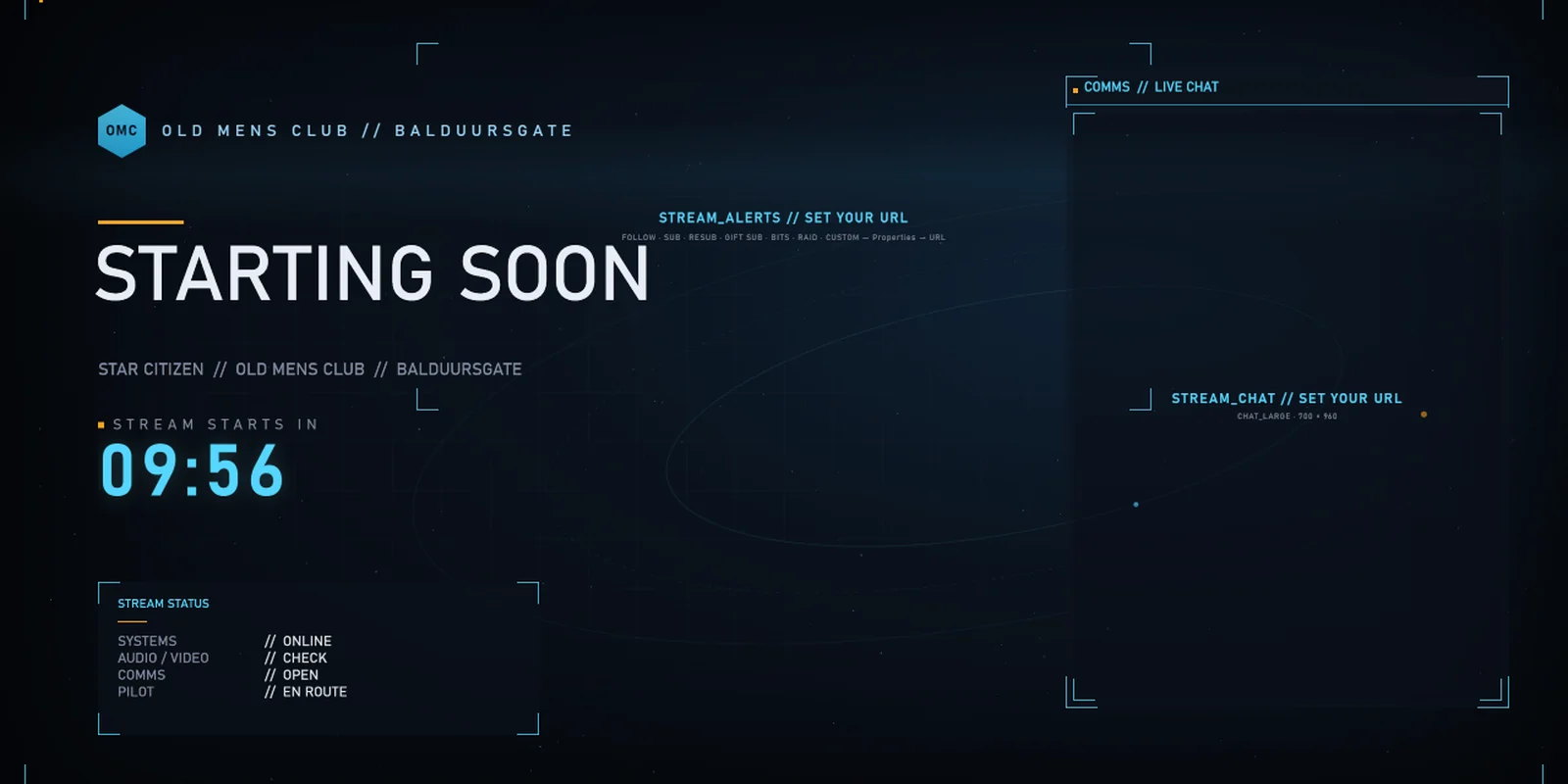
Starting Soon
Animated background, countdown, stream status and large chat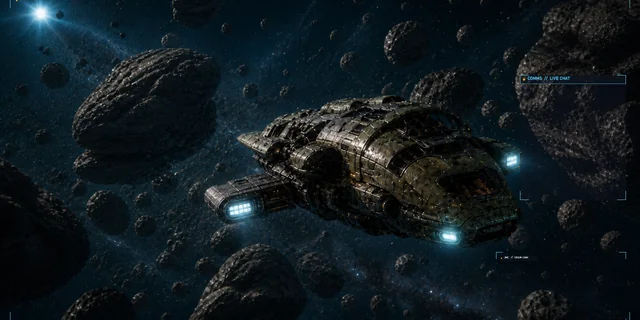
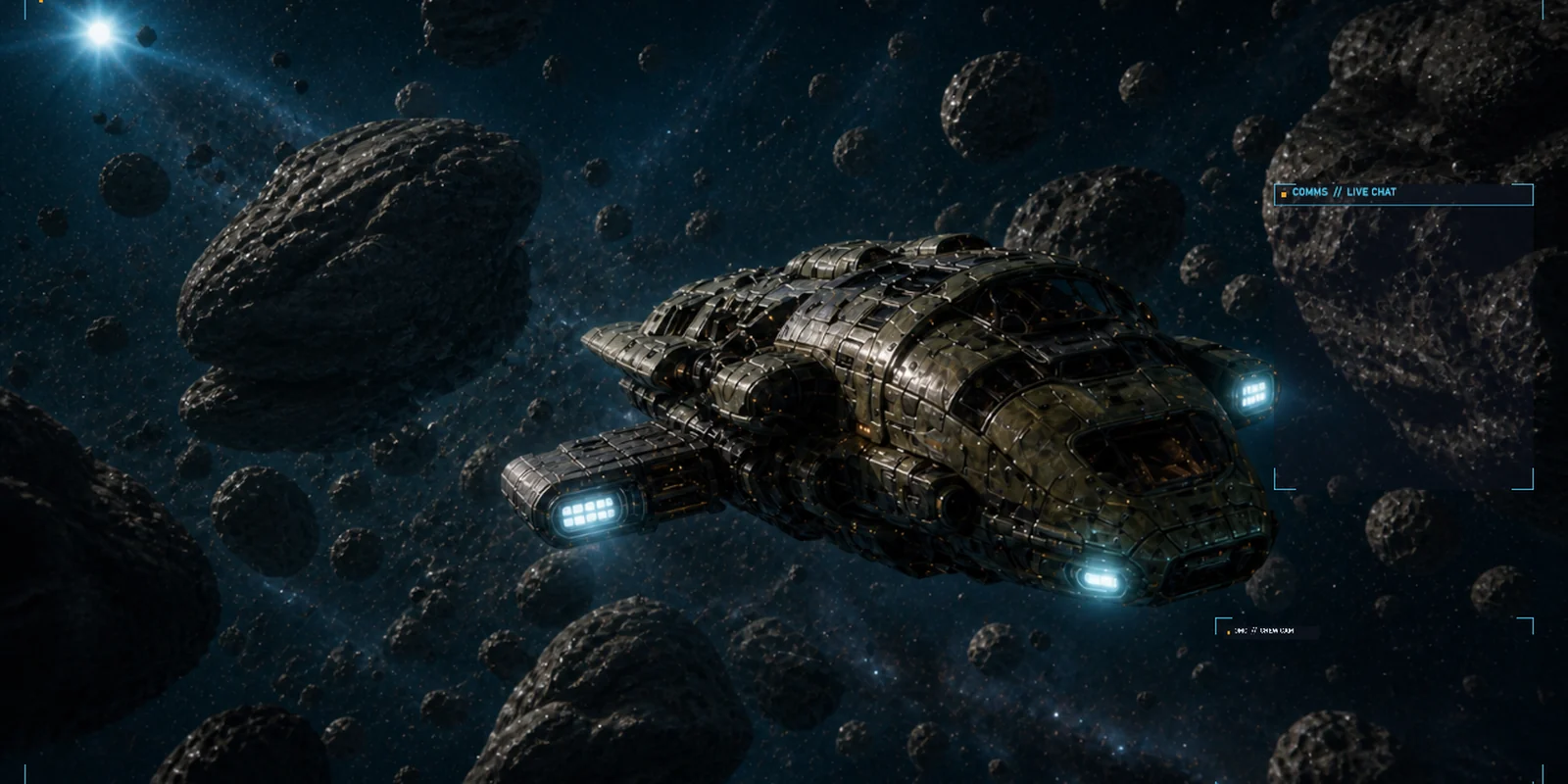
Gameplay + Cam
Gameplay stays clear: compact chat and camera on the right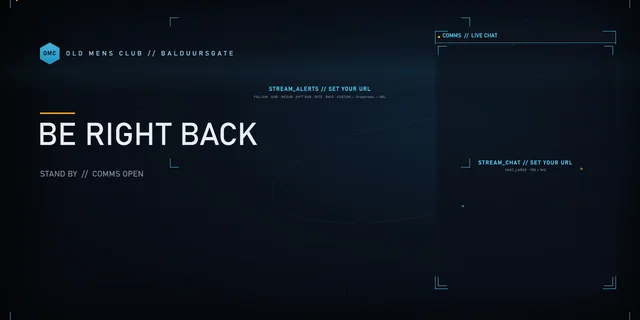
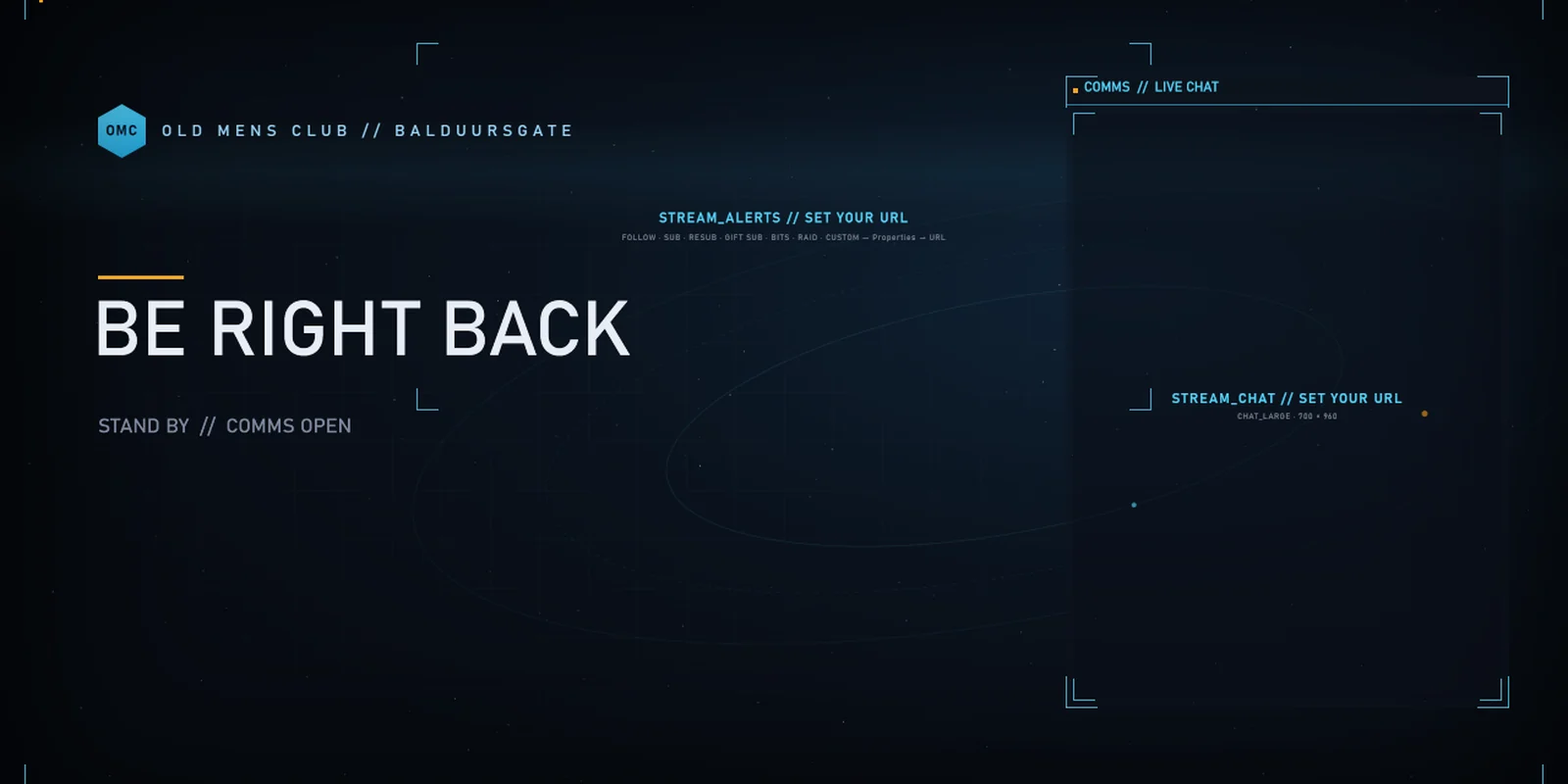
BRB
Break screen with chat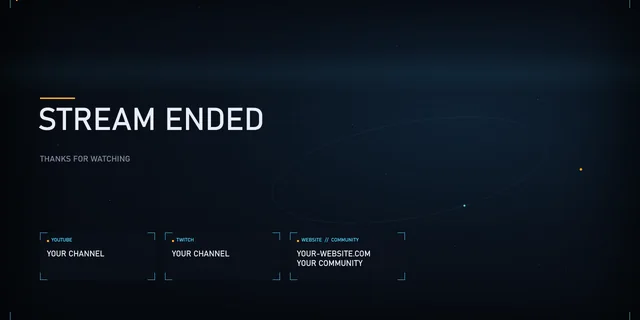
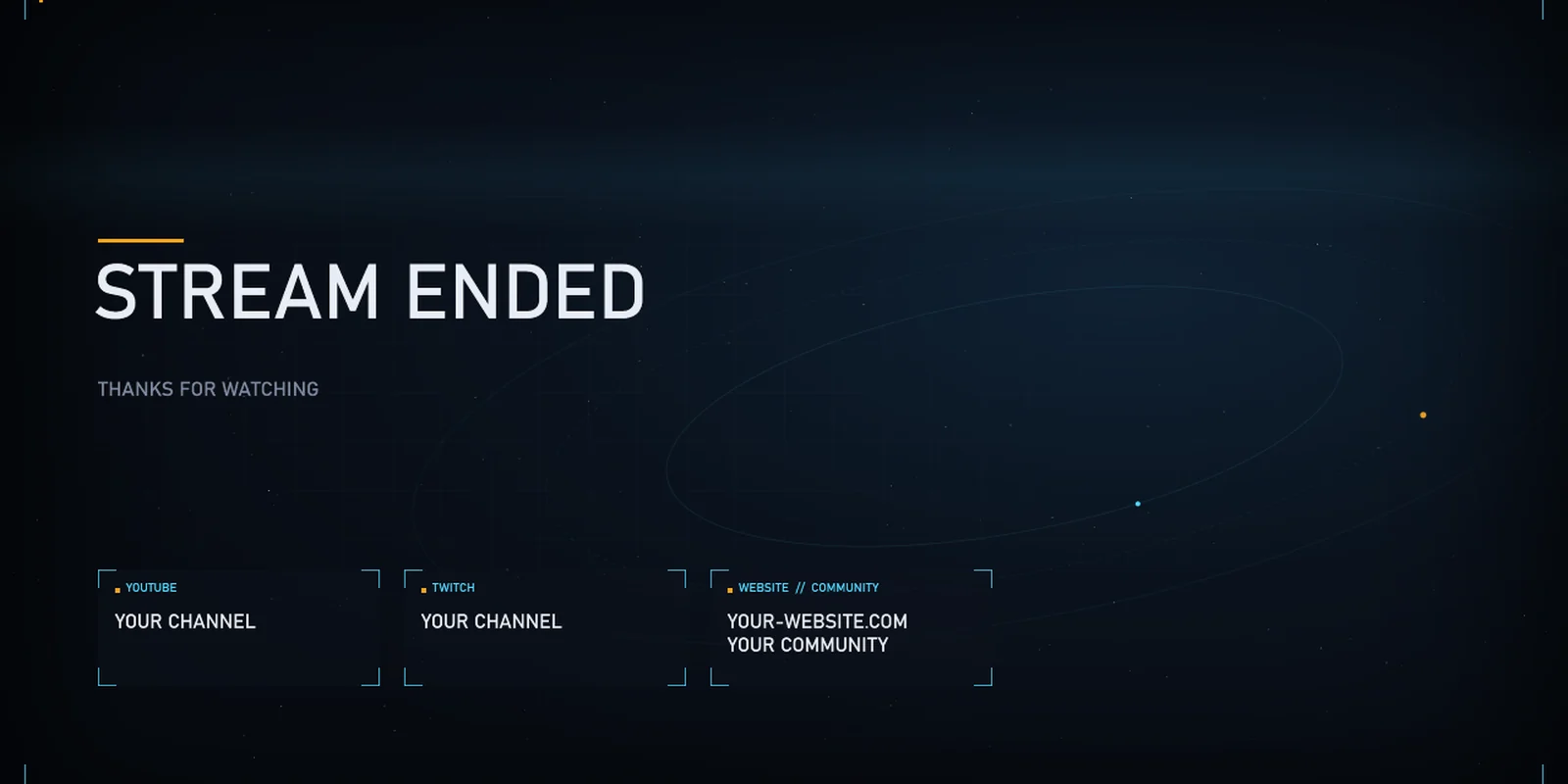
Stream End (CLEAN)
End screen with cards for your channels
Preview from OBS Studio 32.2.2. The gameplay picture is a placeholder image, chat and alert areas are still empty – your own widgets appear there.
Features
10 ready-to-use scenes
- Starting Soon
- Star Citizen Clean
- Gameplay + Cam
- Just Chatting
- Mission Briefing
- Multi Crew
- RP / Mission
- BRB
- Stream End
- Custom Overlay / BalduursGATE Live
Twitch / YouTube / Custom
For any browser URL from your provider – the pack contains no provider integration.
- Browser alerts
- Compact chat
- Large chat
- Webcam
- Countdown
Gameplay first
BALDUURSGATE TACTICAL: dark design with thin lines. In the gameplay scene about 90 % of the picture stays clear. Setup hints disappear on their own as soon as OBS is streaming or recording.
BalduursGATE extensions
Optional: the BALDUURSGATE scene collection embeds the public BalduursGATE overlays. The CLEAN version does without them.
Glass Pane
Director and RP messages released for the stream – on by default.
COMMS · Crew · Mission
Radio log, crew on frequency and active mission from ship comms – prepared, switch on with the eye icon.
MAYDAY
Distress banner from ship comms – prepared, off by default.
Installation
Short version – all details are in the README.
- UnzipDownload the complete pack and unzip it into any folder.
- Import the OBS profileProfile → Import → folder “STAR CITIZEN TACTICAL 1440p60” (or “…1440p-to-1080p60” for 1080p), then select it.
- Import the scene collectionScene Collection → Import → choose the CLEAN or BALDUURSGATE JSON, then select it.
- Choose the Star Citizen game captureSource “STAR CITIZEN GAME CAPTURE” – preset to the game window, pick the window if needed.
- Choose your webcamIn “UTIL // WEBCAM”, open the “WEBCAM” source and pick your camera.
- Insert your alert URLIn “UTIL // ALERTS”, paste your provider's alert box URL.
- Insert your chat URLIn “UTIL // CHAT”, paste your chat URL into CHAT_COMPACT and CHAT_LARGE.
- StreamDone – the setup hints disappear on their own while streaming.
Downloads
Stable link, always points to the newest complete pack: Star-Citizen-Tactical-OBS-Streamer-Pack-v1.0.zip
| File | Content | Version | Size | SHA-256 | |
|---|---|---|---|---|---|
| Star-Citizen-Tactical-OBS-Streamer-Pack-v1.0.zip | Complete pack: both scene collections, both profiles, README DE/EN, changelog | 1.0 | 37 KB | d5394c89ae5d8a9ace5259490f7f76c60b88108bca5334e977cc6694ff5aa277 | Download |
| README-DE-v1.0.md | Setup guide in German | 1.0 | 4 KB | 14eac2b9f19b4effa80367320e5d6383449eff1c5ab7645d7f6a4641c9aa71eb | Download |
| README-EN-v1.0.md | Setup guide in English | 1.0 | 4 KB | 10e64c0b6a0dea8655181dc4286113092c72e1ced01c4c4178966665548c5237 | Download |
| CHANGELOG-v1.0.md | Changes | 1.0 | 1 KB | 19df3372f083675d9259495c68635ff0a9bfa1e98eefd95a979e9b97f7945ba8 | Download |
All checksums as a text file (SHA256SUMS-v1.0.txt)
Check on Windows (PowerShell): Get-FileHash <file> -Algorithm SHA256 – the value must match the table.
The files are hosted on comms.balduur.de (HTTPS), the BalduursGATE server.
Known limitations
- Windows only: texts use the Bahnschrift font (built into Windows 10 and later), gameplay uses Game Capture.
- OBS has no relative canvas size on import: for 1080p use the “…1440p-to-1080p60” profile, the scenes stay laid out for 1440p.
- Chat and alerts come from your provider – their look inside the frames is up to its widget.
- The BalduursGATE overlays need an internet connection to comms.balduur.de.
Changelog
Version 1.0 · 16 Sep 2026 · first release
- 10 scenes + 5 building blocks, 1440p canvas, 1080p output profile
- CLEAN and BALDUURSGATE scene collections
- Browser alerts, compact and large chat, webcam, countdown – no plugins
- Setup hints hide while streaming and recording
- README EN/DE
Support
Questions, bugs, wishes: fastest via the OMC Discord – the way there is on the contact page. Please include your OBS version and scene collection (CLEAN or BALDUURSGATE).
Legal
A fan project of the Old Mens Club, not an official product. Star Citizen® is a trademark of Cloud Imperium Rights LLC; this pack is not affiliated with Cloud Imperium Games, the OBS Project, Twitch or YouTube. Twitch and YouTube are not part of the pack – you only insert your own browser URLs. No game artwork in the pack.
Related
- StreamingOBS guide
- StreamingStreaming hub – guides
- DownloadOMC Stream Deck